Hire Us
← All Products
Shopify App

GISL Press Kit

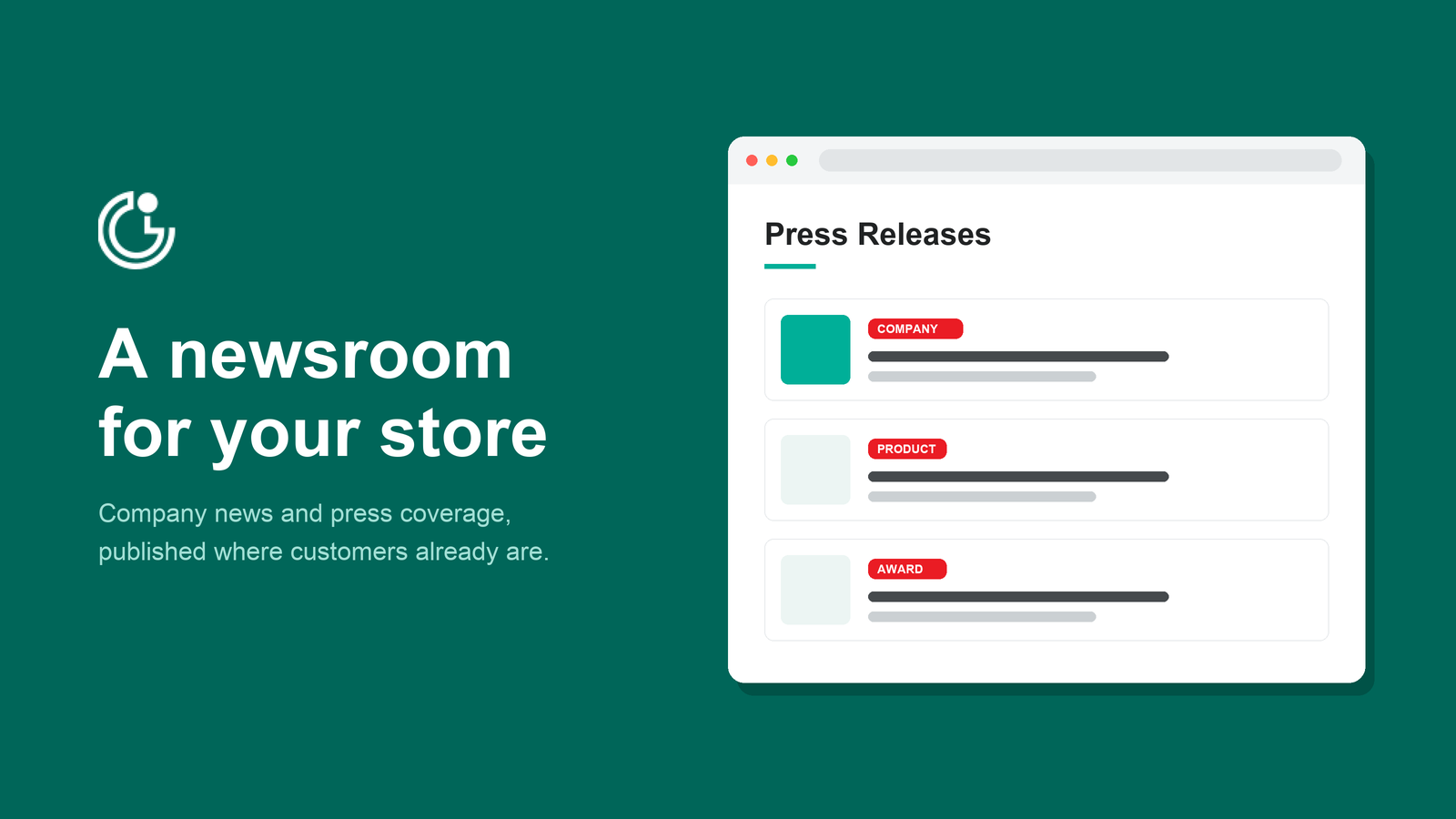
Write press releases in your Shopify admin and add them to your store with the theme editor. Each release gets its own page on your domain, so customers and journalists can link to it directly.
See Pricing →
Free on the Shopify App Store
Product screenshot

Features

Most stores have nowhere to put company news. Announcements end up in blog posts next to promotions, or need theme changes that are hard to undo. GISL Press Kit gives your press releases their own home, and press coverage can reassure first-time shoppers.

A Newsroom on Your Store

Turn company announcements into pages on your storefront, separate from your blog and promotions.

Write in Shopify Admin

Write and manage your press releases in the Shopify admin, where you already work.

No Theme Code

Place releases on any page with the theme editor. Your theme code is not touched.

A Page for Every Release

Each release gets its own page on your domain, so customers and journalists can link to it directly.

Grouped by Category

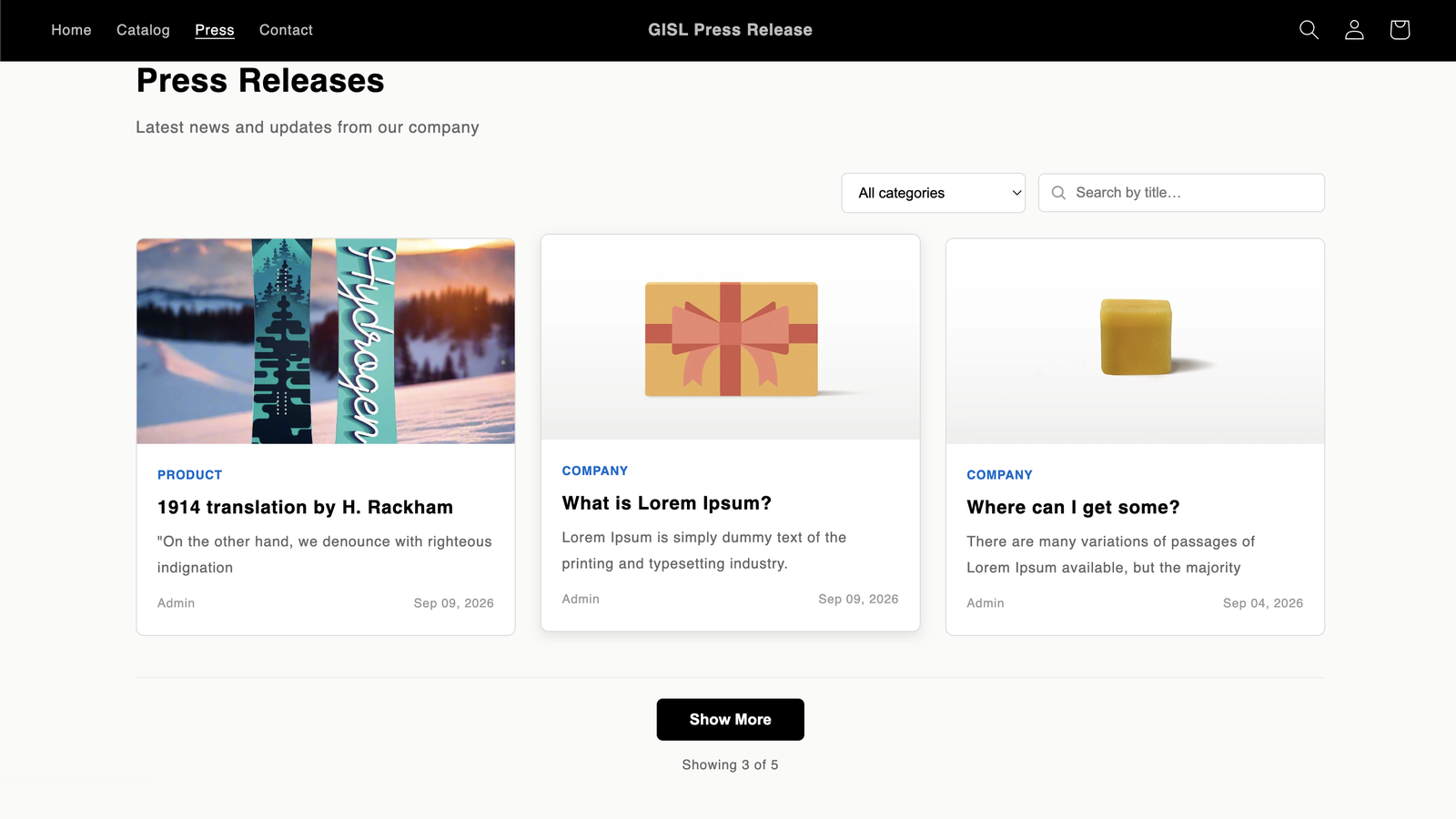
Group releases by category. Visitors can filter by category and search by title.

Matches Your Theme

Pick featured images from the media you already have in Shopify, and match the block’s colours and width to your theme.

See It in Action

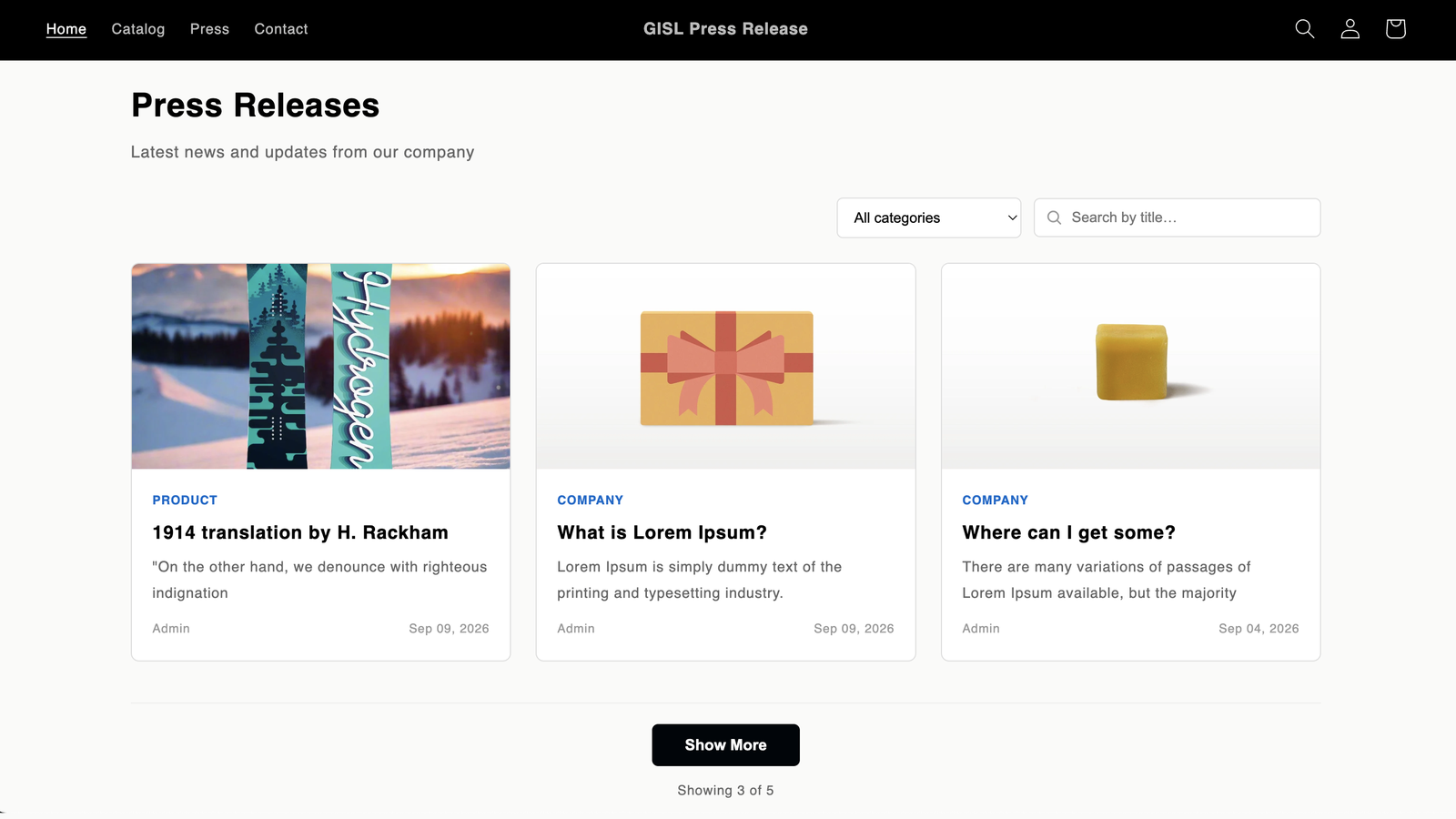
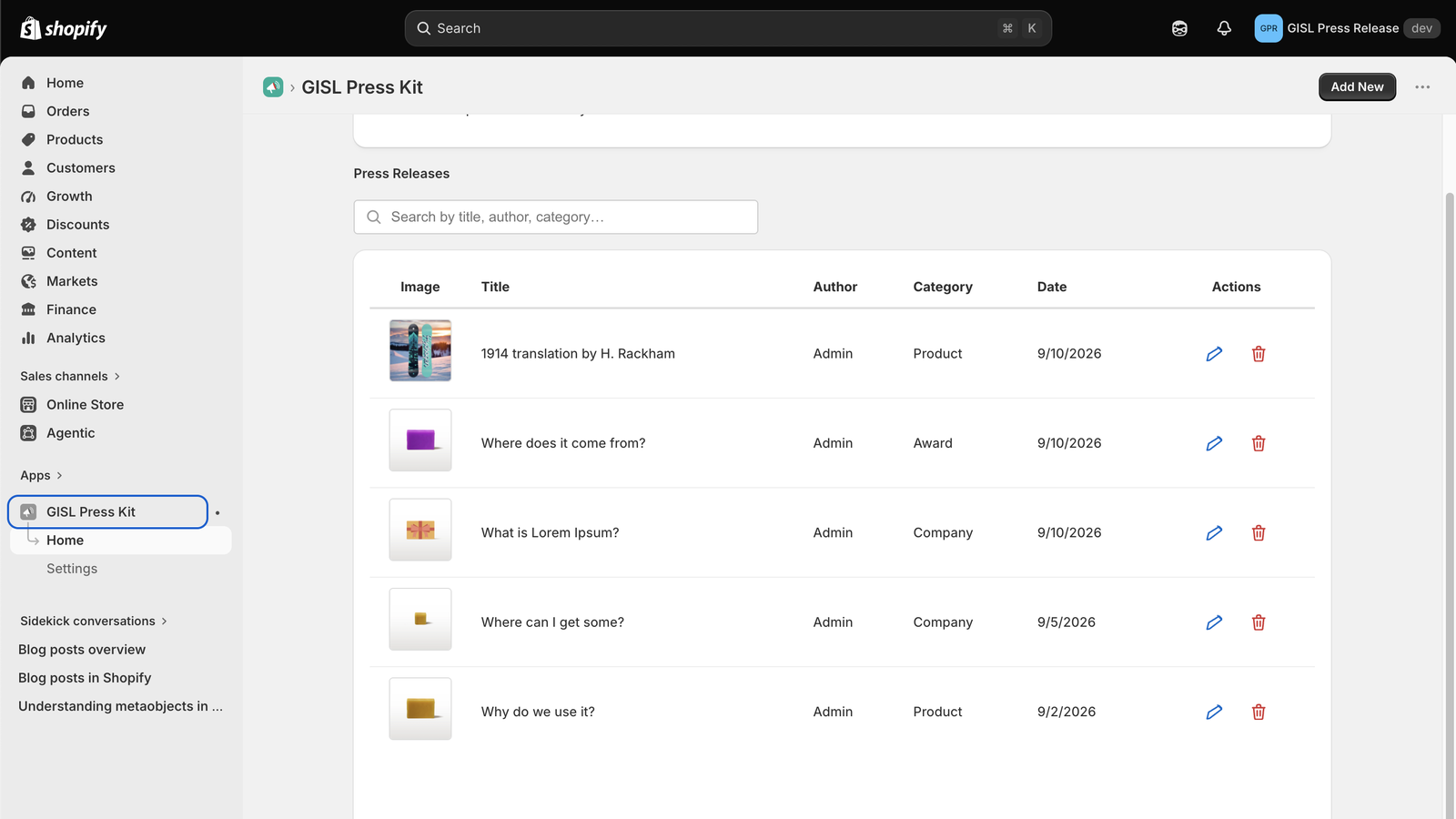
Your newsroom on the storefront, and the press release list in your Shopify admin.
Product screenshotProduct screenshotProduct screenshot

Compatibility

Works with:
Shopify stores
Placed with the theme editor
No coding required

Changelog

Version 1.0.0
November 4, 2026
The first public version of GISL Press Kit, launched on the Shopify App Store.
See Full Changelog →
GISL Press Kit Pricing

Free for Every Store, Every Feature

No credit card and no locked features. Install it from the Shopify App Store and publish your first press release.
Shopify App
Free Plan
$0
no charges
Every feature included, for any Shopify store. Nothing is added to your Shopify invoice.
Install on Shopify →
Installed from the Shopify App Store
Everything Included
A newsroom for your press releases
Write releases in the Shopify admin
A page and link for every release
Release categories
Featured images from your Shopify media
Colour and width settings to match your theme
Support from the developers
No credit card
Uninstall anytime
Help from the developers

Frequently Asked Questions

Do I Need to Know How to Code?

No. You write releases in your Shopify admin and add them to your store with the theme editor. Your theme code is not changed.

Where Do My Press Releases Appear?

On your own storefront. You place the release list on any page with the theme editor, and each release gets its own page on your domain that you can link to.

How Do I Organise My Releases?

Group releases by category so visitors can find what they need, and give each one a featured image from the media already in your Shopify store.


Ready to Get GISL Press Kit?

Give your company news a home on your store
Install on Shopify

Need a Custom Plugin
or Shopify App?

Premium WordPress plugins and Shopify apps, built and supported by Golden Info Systems Ltd., Dhaka.
support@gplagfy.com
© 2026 Gplagfy · Golden Info Systems Ltd.
Follow Us :
Optivo Product Options icon
Optivo
Product Options for Shopify
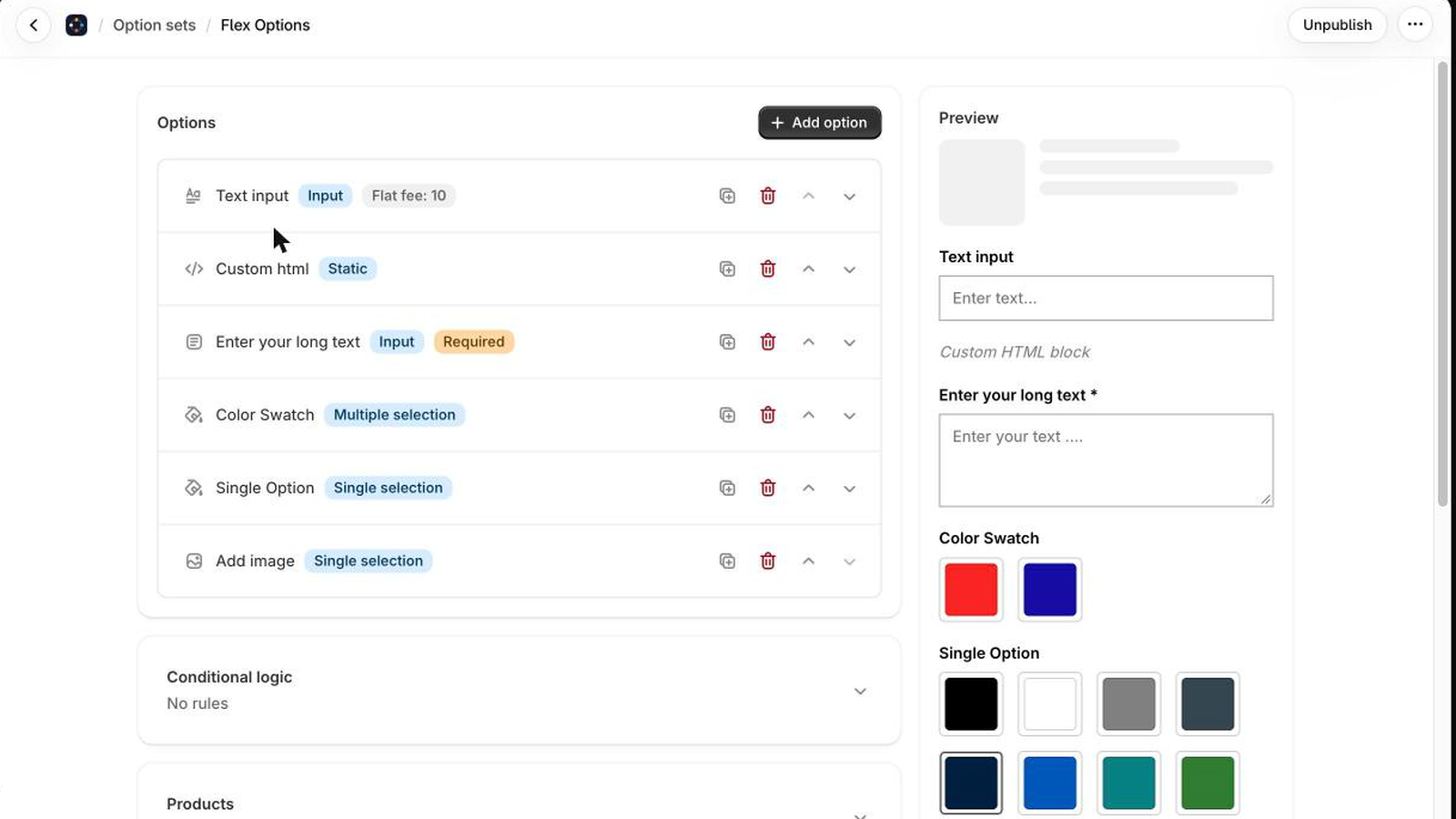
Optivo option set editor with a live preview of the options
20 option types
No variants
Charged at checkout
New on the Shopify App Store

Product options without the variant mess

Engraving, swatches, dates, checkboxes and add-on prices on any product. Choices are saved on the cart line, so your catalogue keeps only the SKUs you built.
Start with
Free plan
Upgrade from
$9.99 / month
crossmenu