Search engines can send your Shopify store a steady flow of visitors who are already looking for what you sell, without paying for every click. Shopify gives you a solid technical base, but rankings still depend on the work you put into your pages.
Here are practical steps to help your store rank higher on Google.
Before editing any page, find out how your customers search. A shopper rarely types your brand name; they type what they need, like “waterproof hiking backpack 30l” or “vegan leather wallet for men”.
Product pages are where sales happen, so they deserve the most care.
Collection pages often rank for broader searches like “men’s wallets”. Add a short introduction above the products that explains what the collection includes and who it is for. A paragraph or two is enough to give Google context.
A logical structure helps both shoppers and search engines. Keep important products no more than a few clicks from the home page: Home → Collection → Product. Use your main menu and footer to link to key collections, and link between related products.
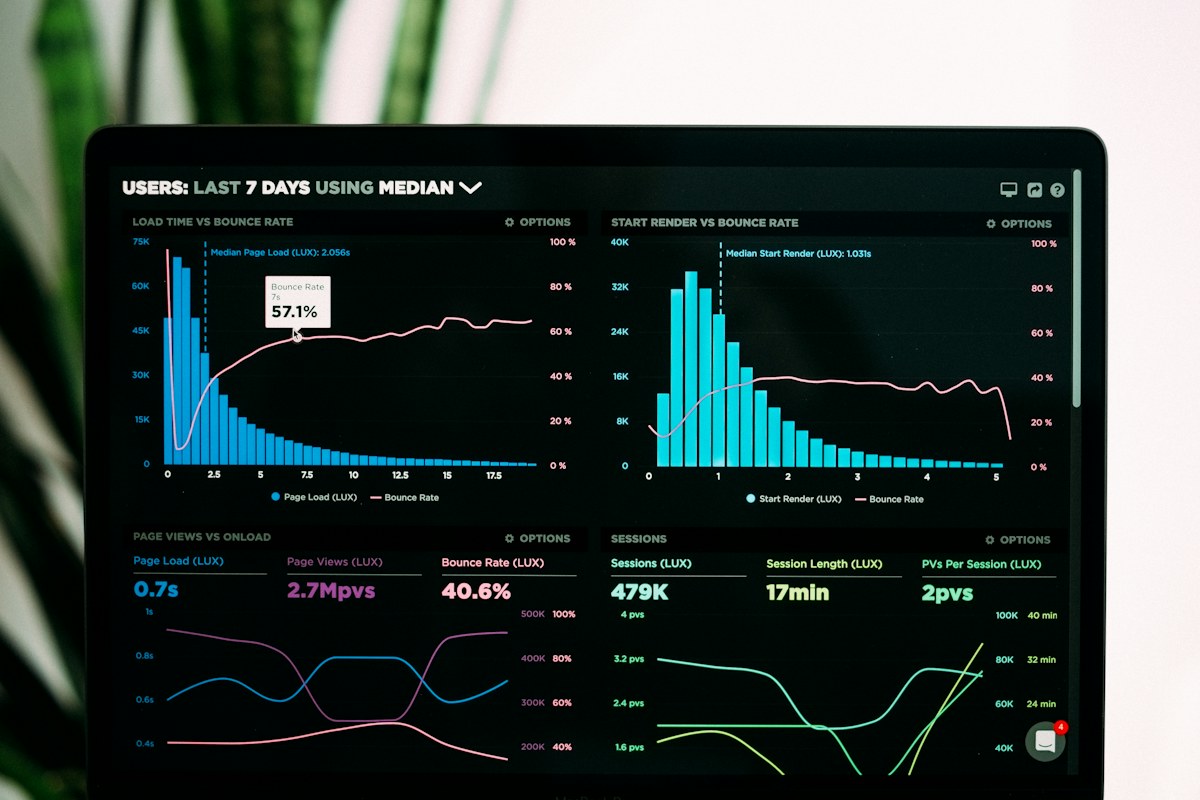
Page speed affects both rankings and sales. The biggest causes of a slow Shopify store are usually too many apps, heavy themes and large images. Remove apps you do not use, choose a well-built theme and check your store regularly with Google PageSpeed Insights.
When you change a product’s URL handle, tick Shopify’s Create a URL redirect option so old links keep working. When you remove a product for good, redirect its URL to the closest collection or replacement product instead of leaving a 404 page.
Shopify includes a blog. Use it to answer the questions customers ask before they buy: how to choose a size, how to care for a product, how two options compare. These articles rank for informational searches and can link to the relevant products.
Links from respected websites are still one of the strongest ranking signals. One of the best ways to earn them is press coverage: when a magazine or blog writes about your brand, it usually links to your store.
Make it easy for journalists to cover you: publish your company news as press releases on your own store, each with its own page and link. Our GISL Press Kit app adds a newsroom to your Shopify store, with no theme code.
Shopify creates your sitemap automatically at /sitemap.xml. Submit it in Google Search Console to see which searches bring you visitors, which pages are indexed and whether Google found any problems.
Tip: SEO takes time. Expect to see results over weeks and months, not days. Keep improving a few pages every week.
Pick your five most important products and work through the steps above for those pages first. Then move on to your collections and blog. For apps that can help, see 5 essential apps for Shopify sales.